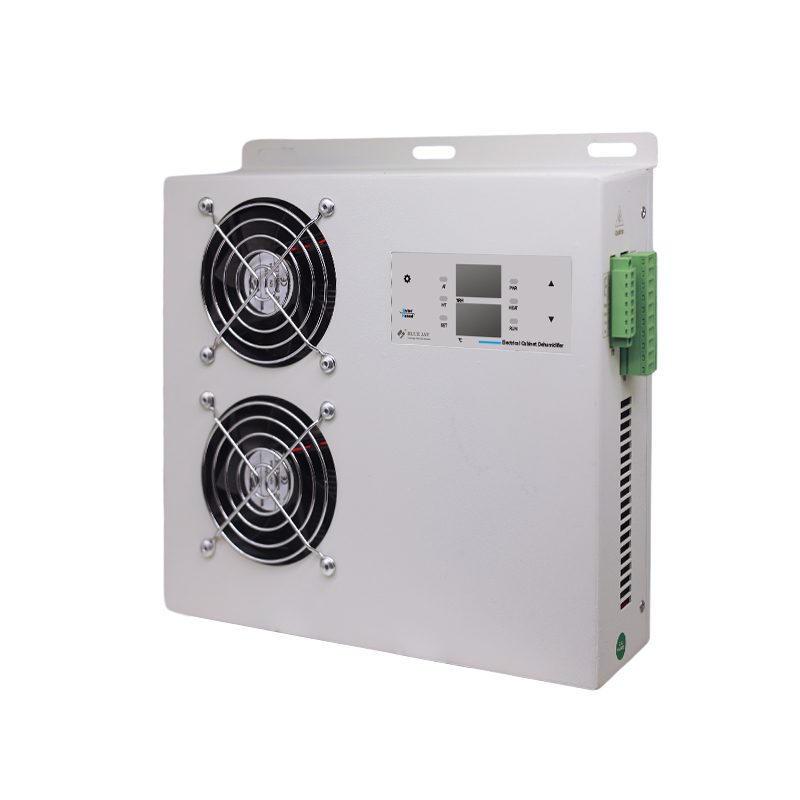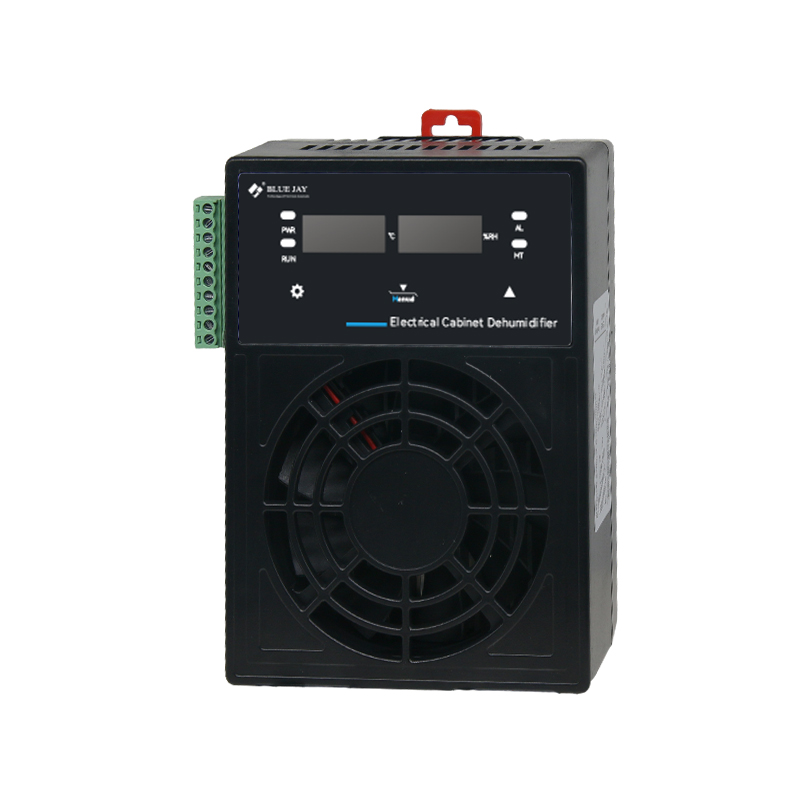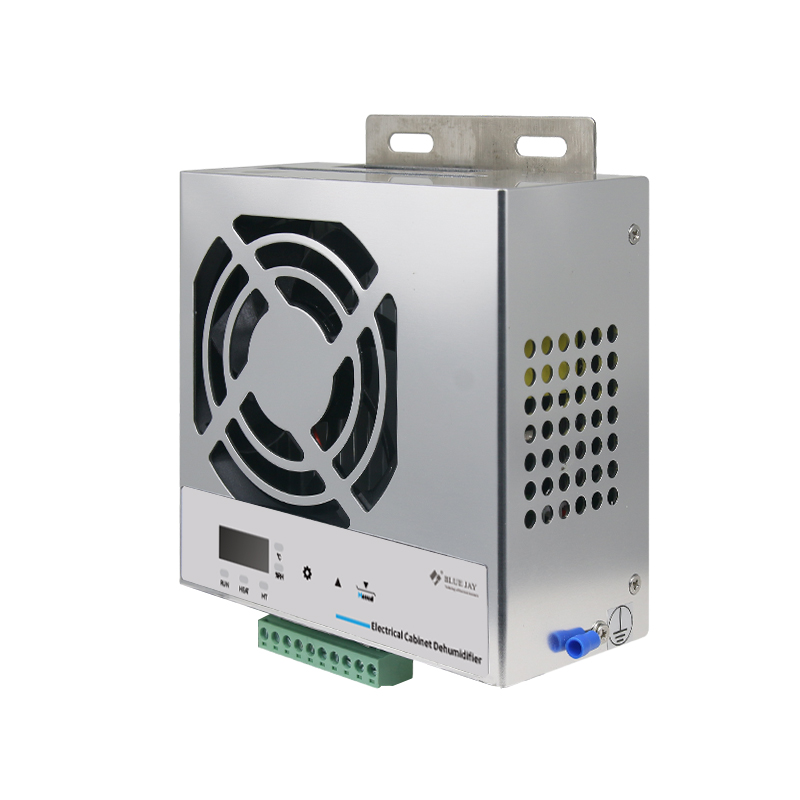
The DH4-60/DH6-200 is a semiconductor-based dehumidifier designed for switchgear cabinets. It provides active condensation-based dehumidification, with condensed water drained outside the cabinet through a silicone drainage tube.
The enclosure dehumidifier supports 24-hour real-time temperature and humidity monitoring, automatic/manual dehumidification, external heater control, and alarms for sensor faults, over-temperature, and over- humidity, with RS485 communication for remote configuration and monitoring.
In this guide, we will show you how to configure the over-temperature and over-humidity alarm settings in two ways:
Step 1: Check the Operating Display
After power-on and self-test, the dual-row digital display shows: Upper row: Humidity; Lower row: Temperature
Step 2: Enter the Parameter Setting Menu
Press SET/EXIT to enter the parameter setting menu. The device cycles through parameters P1–P9:
P1: Humidity Start Value
P2: Humidity Stop Value
P3: Temperature Control Value
P4: Temperature Differential
P5: Defrost Start/Stop Value
P6: Operating Mode
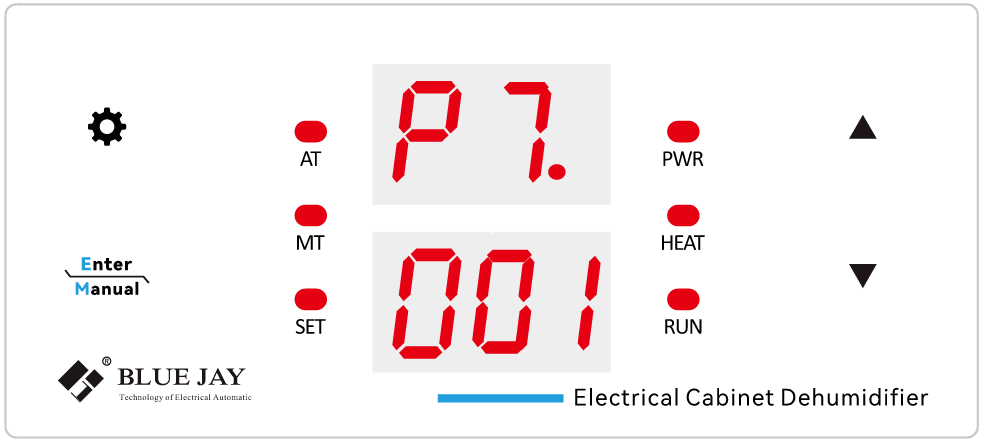
P7: RS485 Communication Address
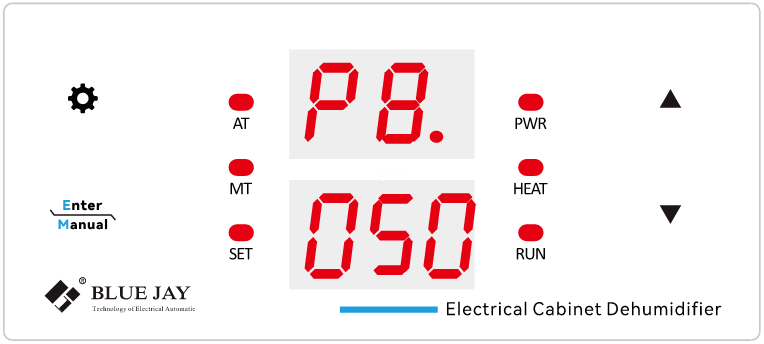
P8: Over-Temperature Alarm Value
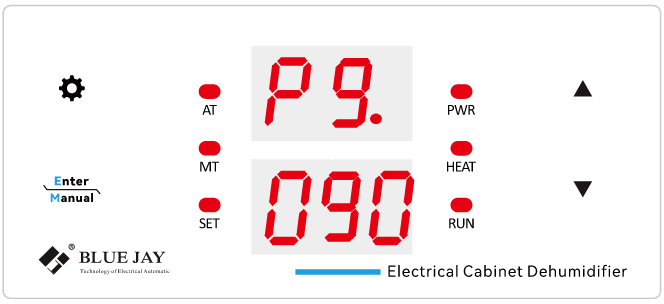
P9: Over- Humidity Alarm Value
To configure the temperature and humidity alarms, select P8 or P9.
Step 3: Modify the Alarm Value
Press CONFIRM/MANUAL to enter the selected parameter. The value will start flashing.
Use the UP and DOWN buttons to adjust the value, then press CONFIRM/MANUAL again to save the setting.
Step 4: Exit the Setting Menu
Press SET/EXIT to exit the parameter setting menu and return to the normal operating display.
Step 1: Set the Communication Address
Before connecting multiple devices to the RS485 network, set a unique communication address for each device using P7 on the front panel.
Address range: 1–99, default 001
Step 2: Configure Parameters Remotely
Through RS485 communication, the host system can remotely:
Parameter Name | Code | Range | Default | Description |
Upper‑limit Humidity Value | P1 | 1‑99% | 75 | Humidity start‑up setpoint |
Lower‑limit Humidity Value | P2 | 1‑99% | 65 | Humidity stop setpoint |
Temperature Control Value | P3 | 1‑99°C | 05 | Temperature set‑point |
Temperature Hysteresis | P4 | 1‑50°C | 05 | Temperature hysteresis value |
Defrost Start‑up Value | P5 | -10‑10°C | -1 | Defrost activation temperature |
Operation Mode | P6 | 0‑1 | 00 | 0=Heating mode; 1=Cooling mode |
Communication Address | P7 | 1‑99 | 01 | RS485 slave device address |
Over‑temperature Alarm | P8 | 1‑99°C | 50 | Over‑temperature alarm threshold |
Over‑humidity Alarm | P9 | 1‑99% | 90 | Over‑humidity alarm threshold |
Step 3: Alarm Output
When the measured temperature exceeds the P8 Over-Temperature Alarm Value or the humidity exceeds the P9 High-Humidity Alarm Value, the alarm relay contact closes and outputs an alarm signal.
With flexible local and RS485 configuration, the DH4-60/DH6-200 makes temperature and humidity alarm settings simple and convenient, helping ensure a safer and more reliable switchgear cabinet environment.